AI Agent vs Chatbot: What’s the Difference for Your Store?
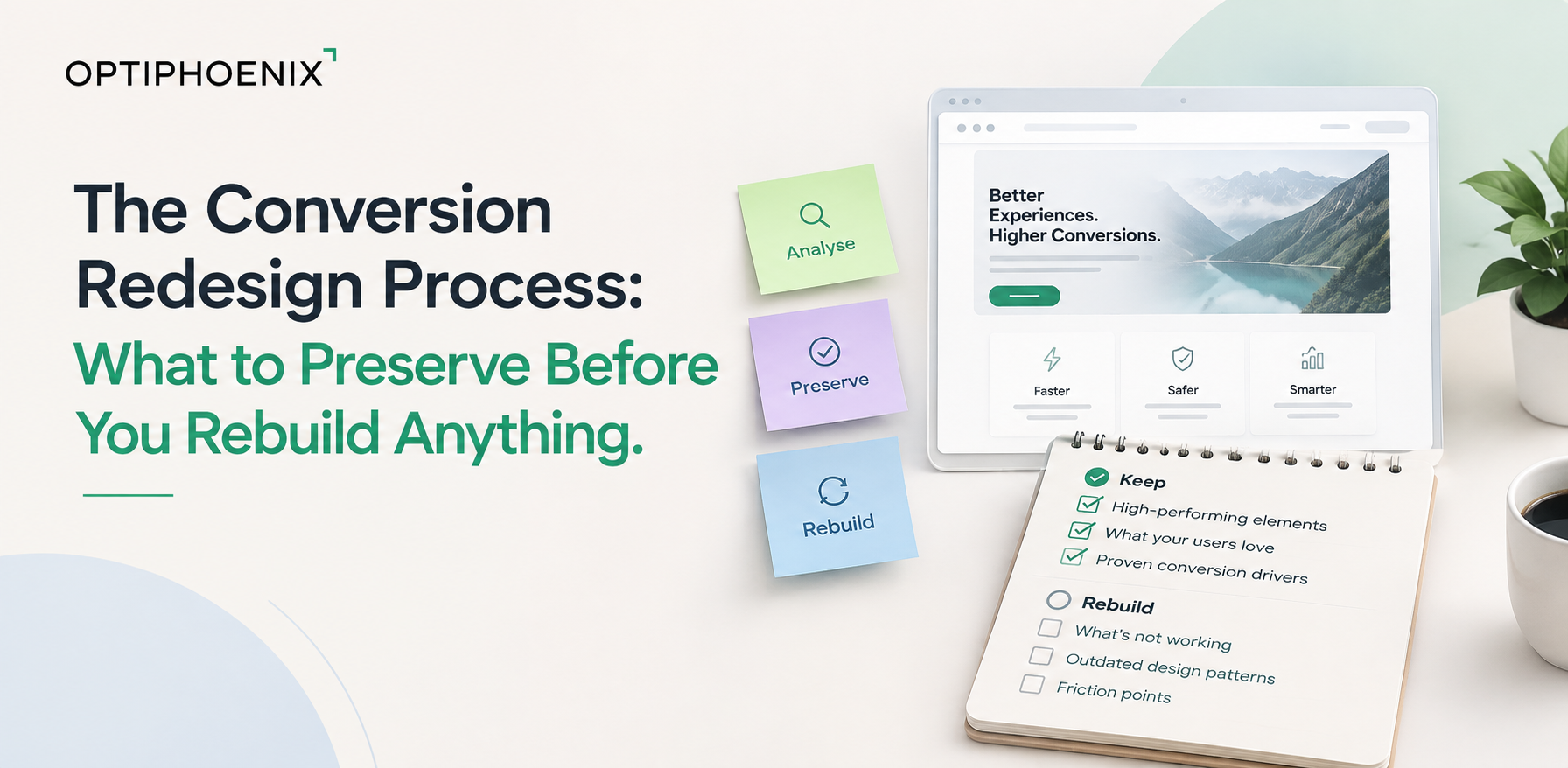
A redesign that looks better isn’t the same project as one that converts better. Even though most teams treat them as one. The difference shows up after launch. The site is live, the team is proud of it, and the numbers quietly tell a different story.
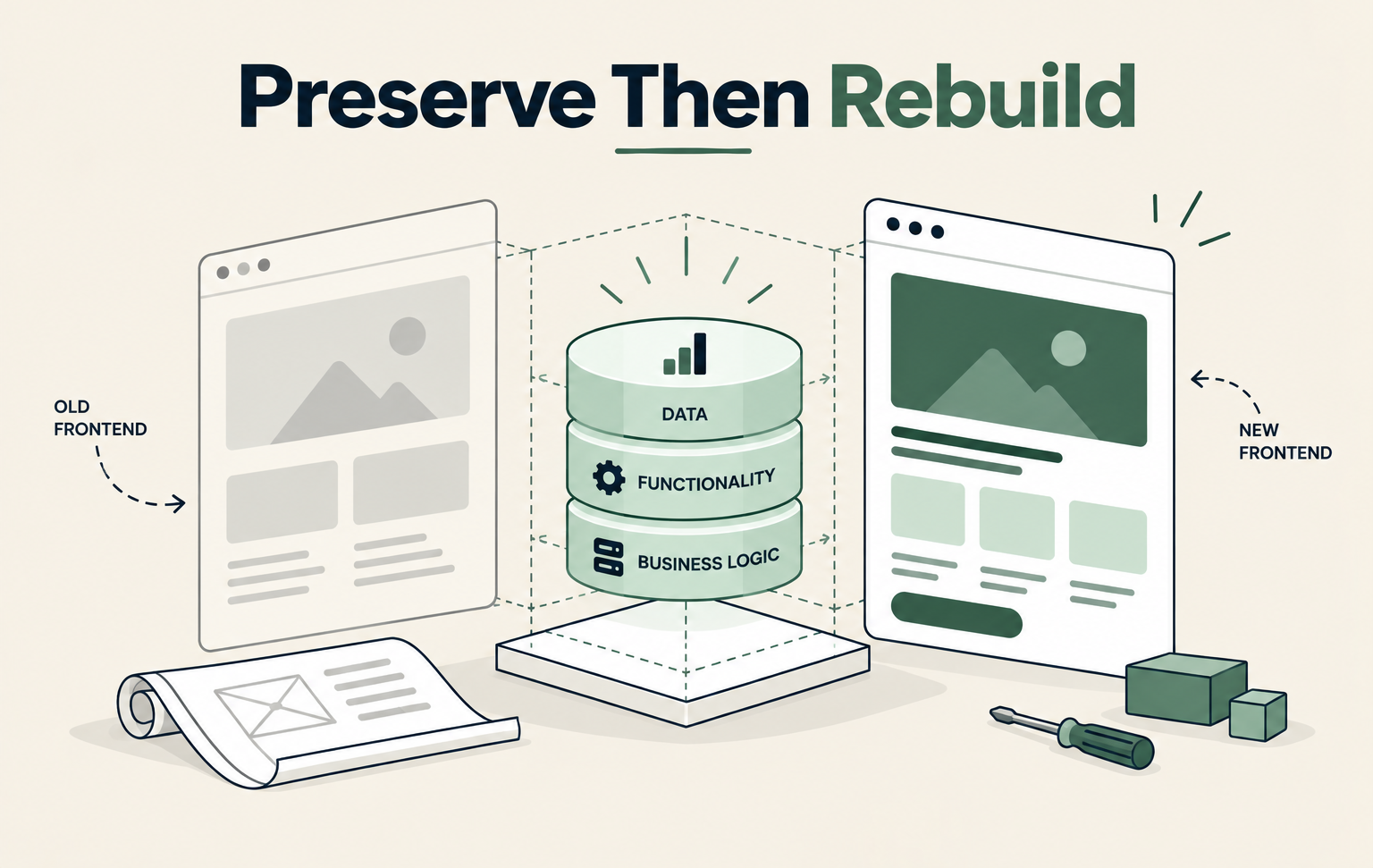
Four specific things get lost in most redesigns. The data that showed what was already working. The search rankings the old URLs had earned. The load speed nobody benchmarked. The ability to trace a conversion drop back to its actual cause. None of these are design mistakes. They’re process mistakes, and each one is preventable.

A high-converting headline carries no visual signal of its own performance. Neither does a well-placed call to action, or a form people actually finish. Nothing about how they look tells a designer they’re working. That’s exactly why they get replaced.
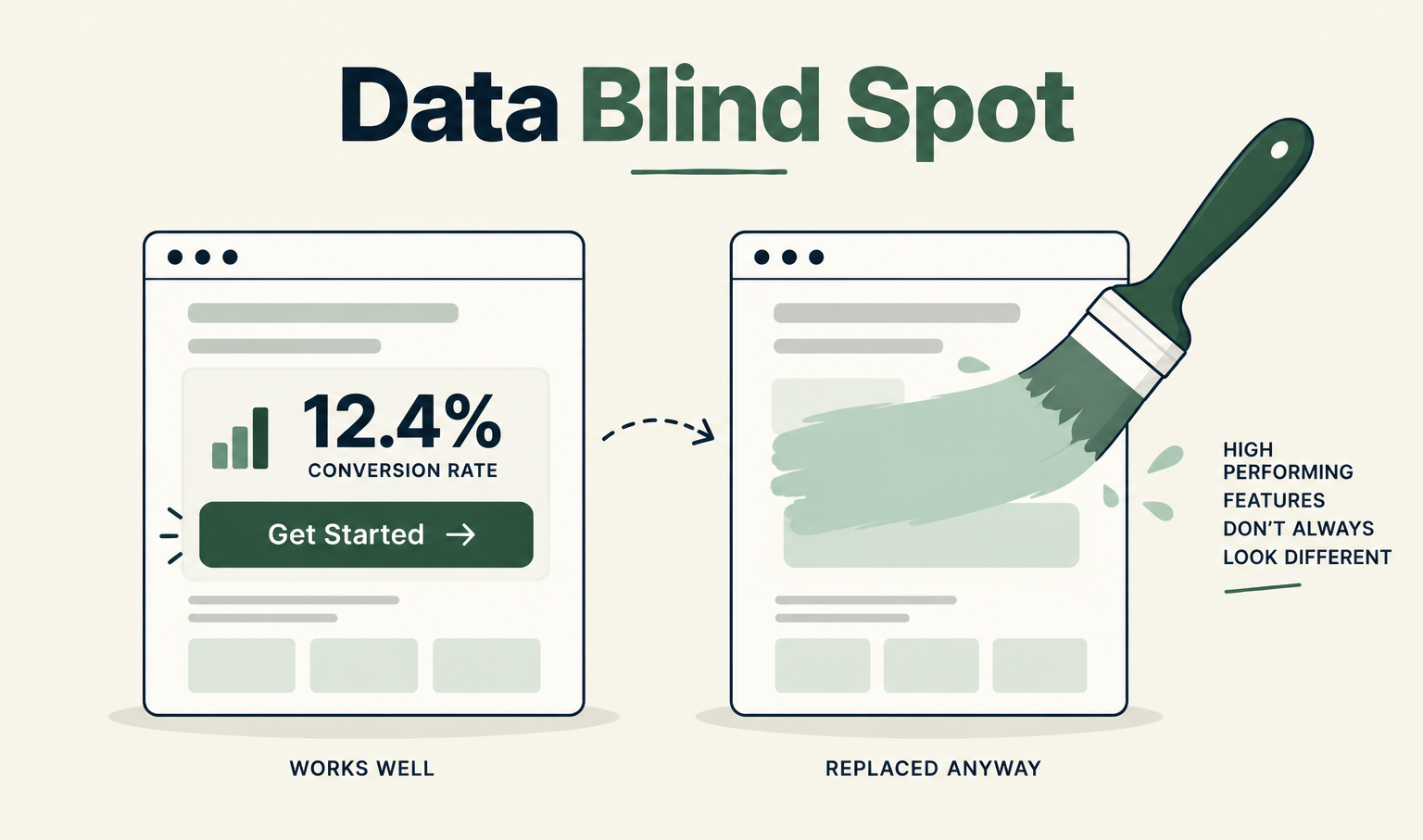
A redesign usually starts with a visual goal: modernize the look, refresh the brand, match a competitor’s site. None of that starts with a question about what’s already converting. Without that question, a team is redesigning against a blank canvas instead of a working baseline, and the burden of proof quietly shifts backward. Instead of asking why a working element should change, nobody asks the question at all.
Pull conversion rate by page, CTA click-through rate, and form completion rate before a single design decision gets made. Treat the current top performers as a floor the new design has to clear, not raw material to reinvent. This is the same structuring the hypothesis correctly discipline that governs a well-run test: know what you’re changing and why before you touch it.
Search rankings don’t transfer automatically just because the new page covers the same topic. They transfer because a redirect tells Google exactly where the old page went.
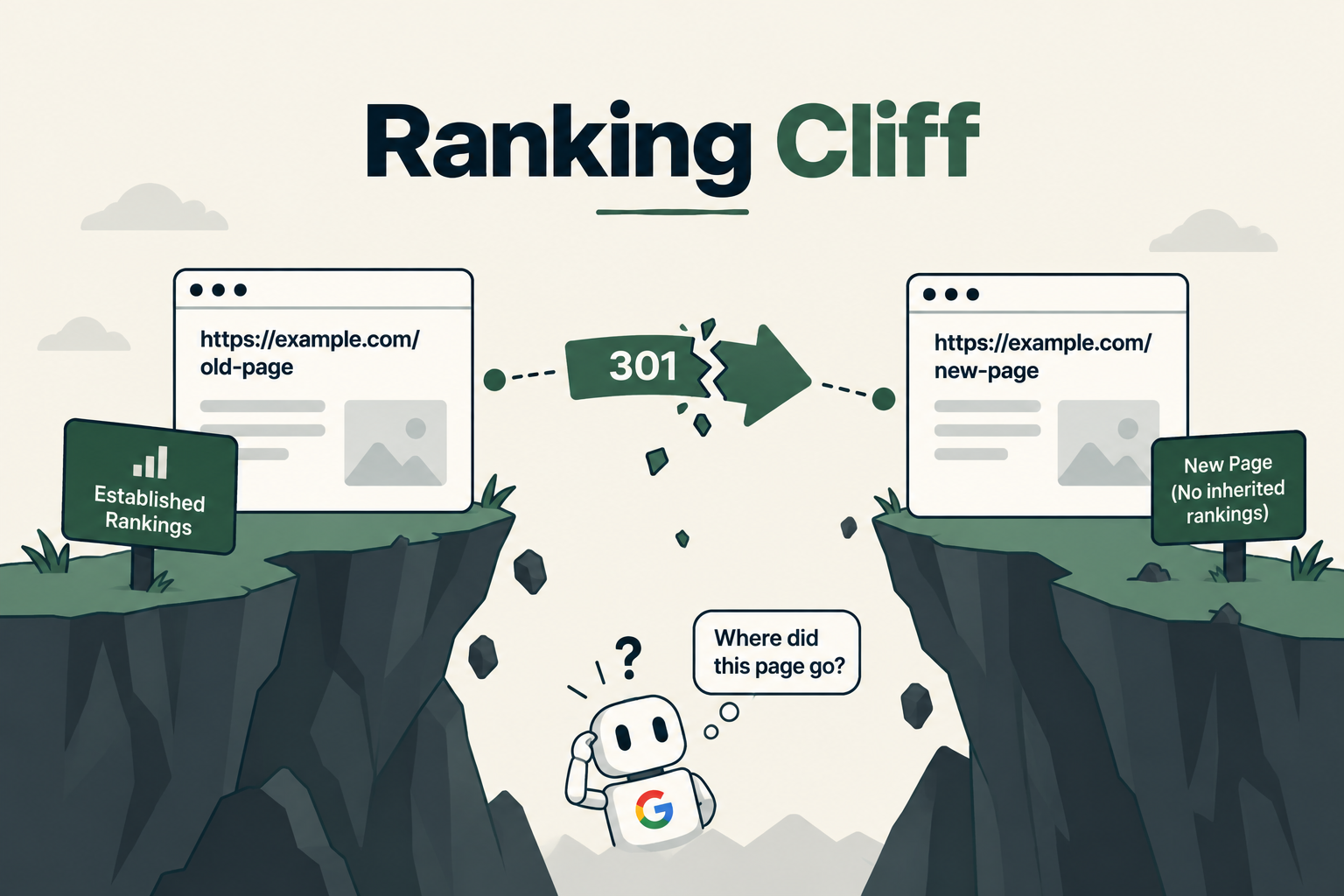
Google’s own Search Console documentation is direct about the risk: combining a site move with a redesign of the site’s content and URL structure will likely cause some traffic loss, since Google needs to relearn and reassess the individual pages. That’s not a worst-case scenario. It’s the expected outcome of an unplanned URL change.
The fix isn’t optional, either. Search Engine Journal’s reporting on Google Search Advocate John Mueller’s guidance confirms that 301 redirects need to stay in place for at least a year, since Google’s systems need to see the redirect multiple times before treating the change as permanent. And a redirect strategy means every individual page gets mapped to its replacement, not just the homepage.
Build the redirect map as a required deliverable before launch, not a task somebody gets to eventually. Every URL that changes gets a specific 301 destination, mapped and tested, with the map kept live for at least a year after launch.
A new design can feel snappier to the team reviewing it in a conference room and still load slower for a real visitor on a real connection. Nobody notices until the data shows it.
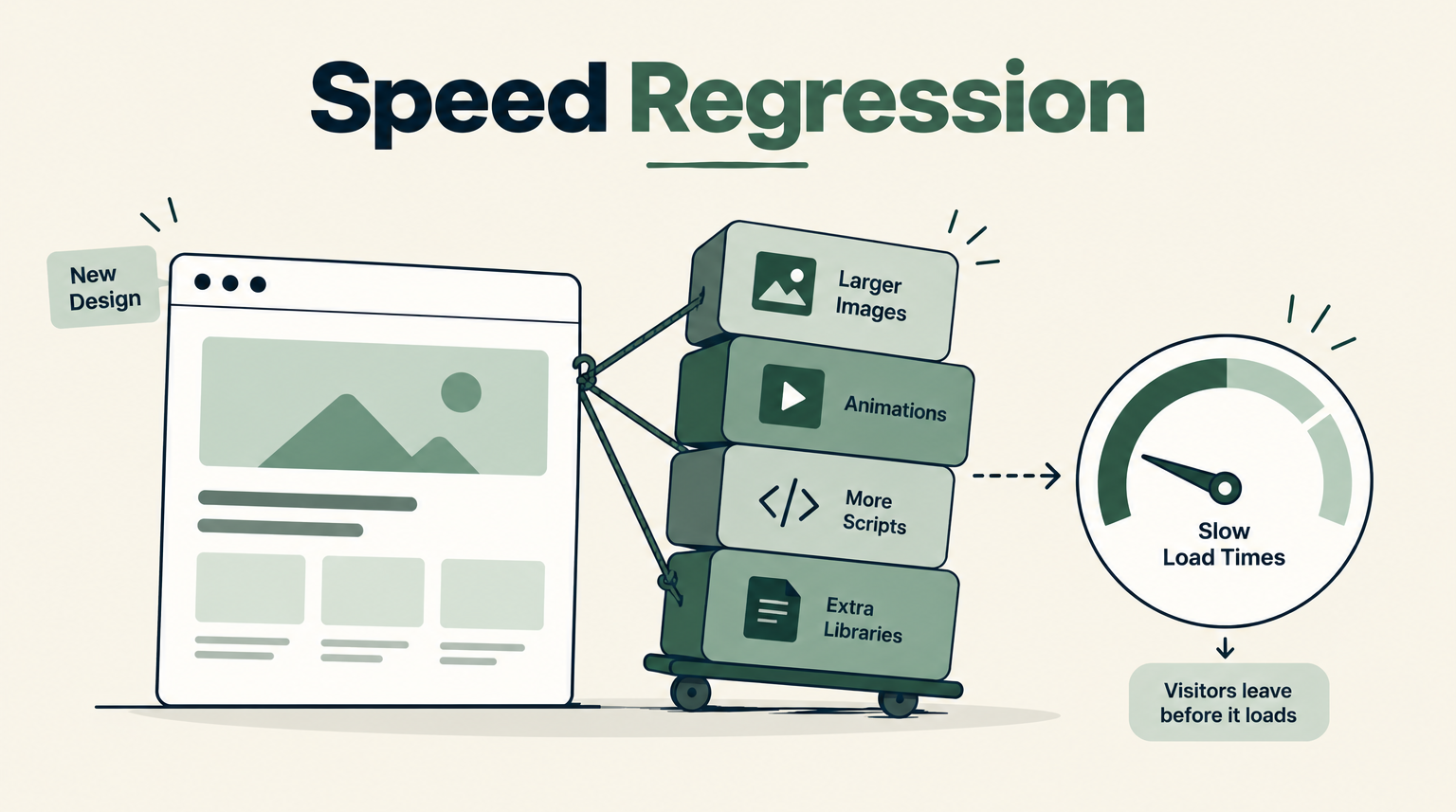
Google’s own large-scale mobile research, analyzing roughly 900,000 mobile landing pages, found that the probability of a visitor bouncing rises by about 32% as load time increases from one second to three seconds. Past three seconds, 53% of mobile visitors abandon the page entirely. That’s the baseline a redesign is working against, whether or not anyone measured it.
New designs tend to add weight without anyone intending to: animation libraries, higher-resolution images, additional scripts for interactive elements. Each addition feels justified on its own. Together, they push load time past the threshold where visitors start leaving.
Benchmark load time on real devices before the redesign starts, then again before launch, as a hard gate rather than an assumption. If the new design is slower than the old one, that’s a launch blocker, not a follow-up ticket.
When the homepage, navigation, product pages, and checkout flow all change on the same day, a post-launch conversion drop has fifty possible causes and no way to isolate which one actually did the damage.
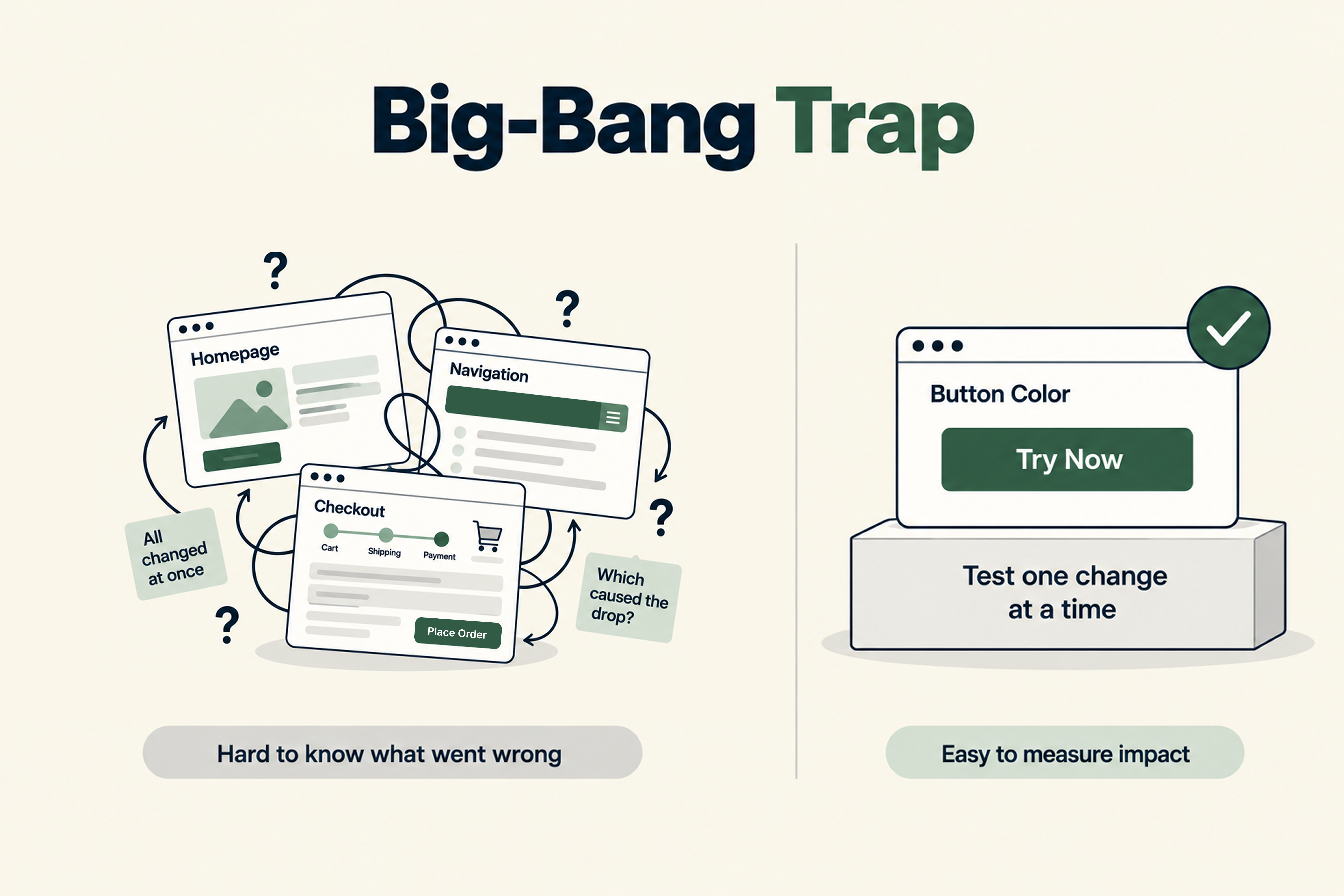
This isn’t just a measurement inconvenience. Without the ability to trace a drop to its cause, the team can’t fix the actual problem or roll back the specific change that caused it. The only options left are guessing or reverting everything, throwing away whatever in the redesign was actually working.
Phase the rollout wherever traffic allows it, or test the new version against the current one on the highest-traffic pages before committing to a full launch. Each change becomes a data point instead of one variable buried inside fifty. This is the same test new design changes before full rollout principle that governs any properly run experiment, applied to a redesign instead of a single element.
Neither approach is correct by default. The right one depends on how much the current site has earned and how much of that the team is willing to risk.
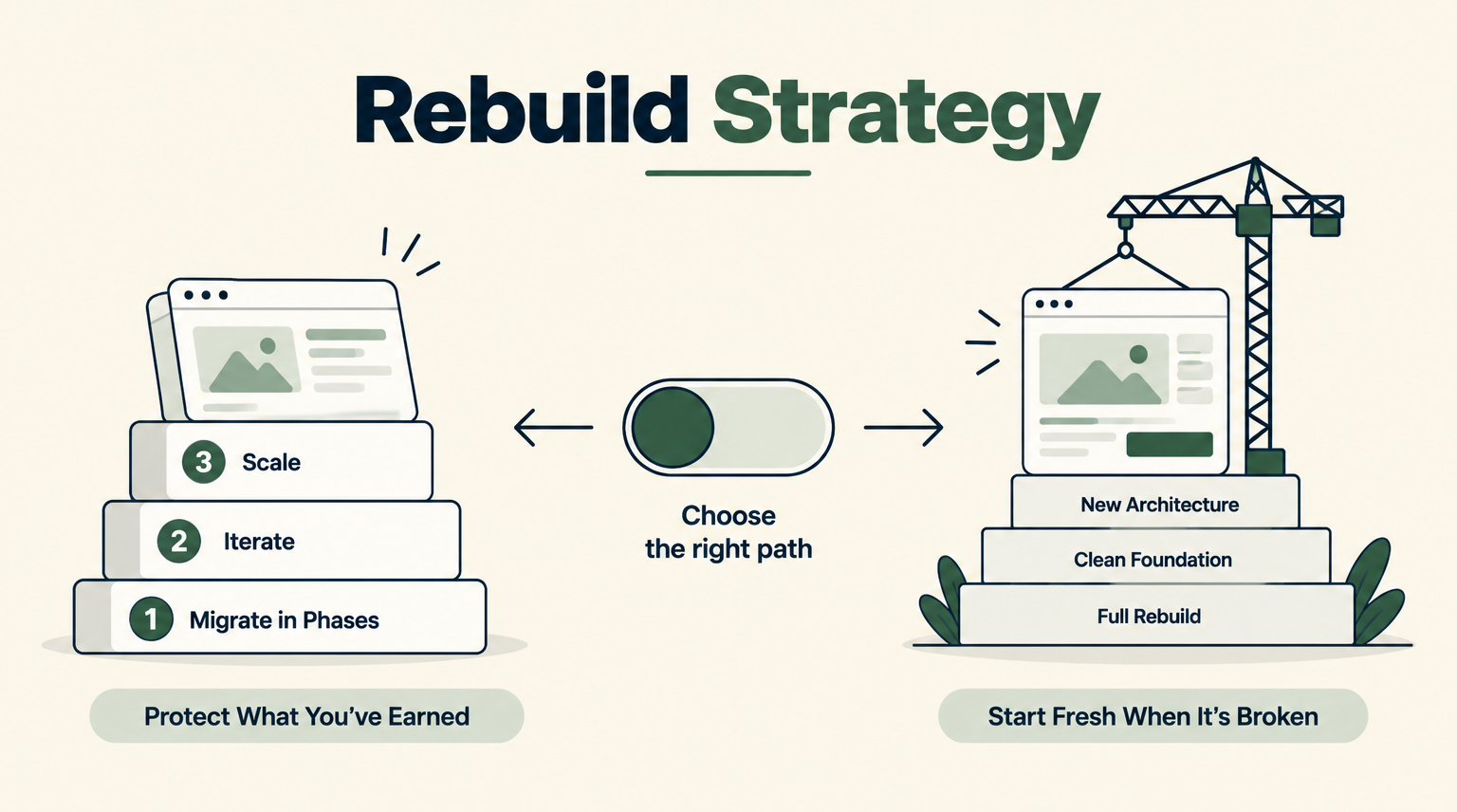
A site with strong conversion data and real backlink equity has more to lose from a full rebuild, since both the working elements and the accumulated SEO trust are exposed to every risk covered above. A phased approach protects that. A site running on a structurally broken platform, or going through a genuine rebrand, has less to protect and more reason to rebuild fully. In that case, the redirect map and the pre-launch benchmarks matter even more, since there’s no incremental fallback if something goes wrong.
A checklist only holds if it’s tied to an actual step in the process. Here’s where each risk above gets caught:
Each stage exists because skipping it is exactly how the four risks above end up shipping unnoticed. A redesign that clears every one of these gates and still underperforms is an honest result the team can learn from. A redesign that skipped a gate and looks worse three weeks later is a preventable mistake wearing a new coat of paint.

A conversion redesign process isn’t about slowing a project down with checklists. It’s about protecting what the current site already earned, the data, the rankings, the speed, the ability to know what actually worked, while still shipping something better. Skipping any one of these isn’t a shortcut. It’s a bet that nothing was working before, and that bet is rarely one a team meant to make.
Getting this right on one redesign project also feeds directly into a larger CRO program, since a redesign built without preserving working elements or a clean redirect structure leaves every future test on that site with a weaker baseline to build on.
Look at how much the current site has earned. Strong conversion data and real backlink equity favor a phased approach, since both are exposed to risk during a full rebuild. A structurally broken platform or a genuine rebrand justifies starting over, with extra attention paid to the redirect map and pre-launch benchmarks.
Every page. Google’s guidance is specific: a full redirect map covering every changed URL, not just the homepage, is what preserves search rankings during a redesign. Redirecting only the homepage leaves every other page’s ranking history behind.
At least a year, based on Google’s own guidance. Search engines need to see the redirect multiple times before treating the URL change as permanent, and that process takes time.
Before. Benchmark load time on real devices, not just browser previews, as part of the pre-launch process. If the new design is slower than the old one, that’s a launch blocker, not something to catch after visitors start leaving.
Changing everything at once. When every element changes simultaneously, a post-launch conversion drop has too many possible causes to trace, which means the team can’t identify what actually needs fixing.