AI Agent vs Chatbot: What’s the Difference for Your Store?
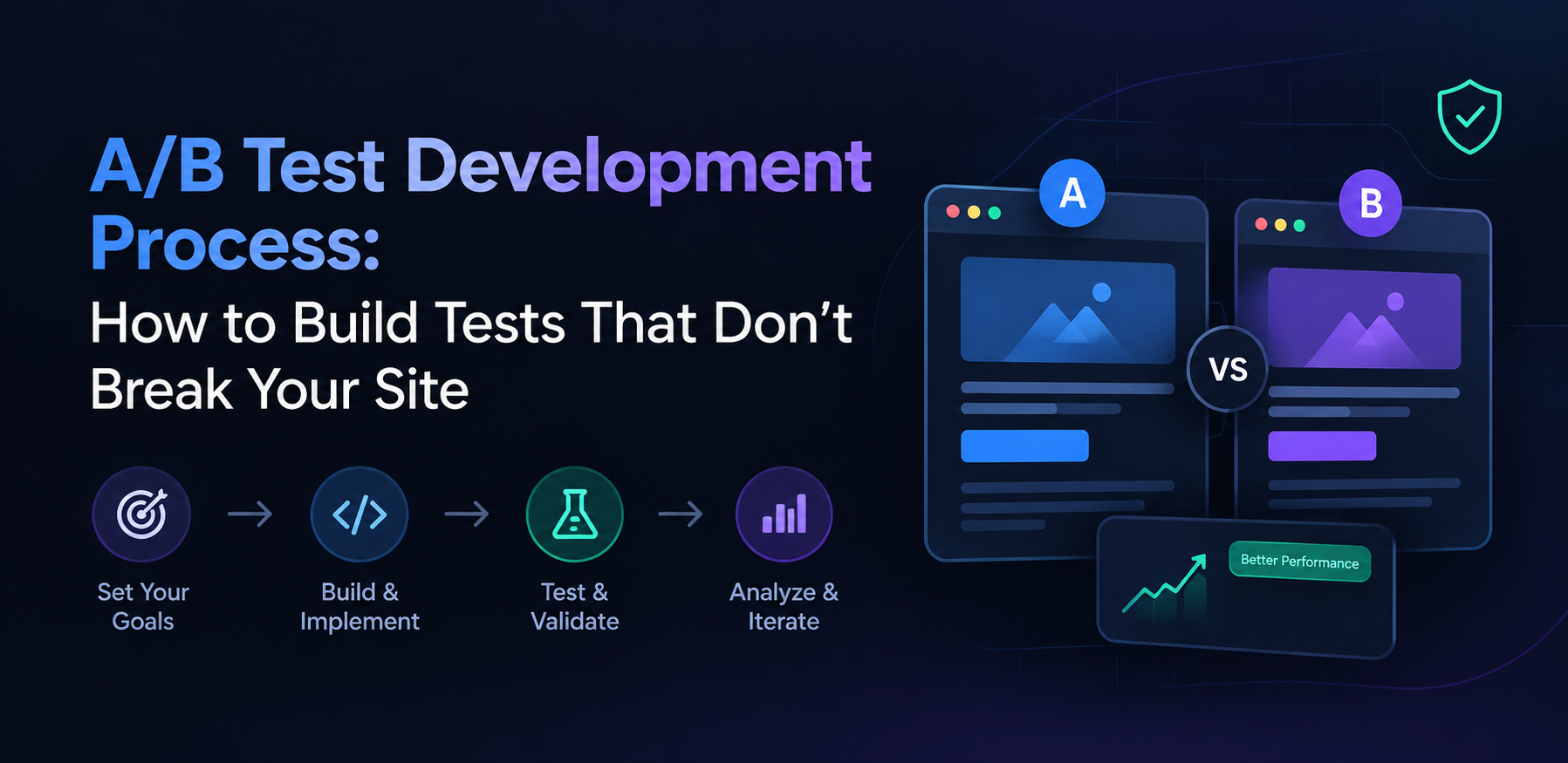
Most A/B testing guides teach you how to plan a test. Set a goal, write a hypothesis, calculate a sample size, pick a tool. Few of them teach you how to build one that survives contact with production.

That gap matters. A test can be planned correctly and still ship a flicker that skews the data, leave dead code in the repository six months later, corrupt its own traffic split, or quietly cost a page its search rankings. None of these are planning mistakes. They’re build mistakes, and they happen in the development process, not the strategy deck.
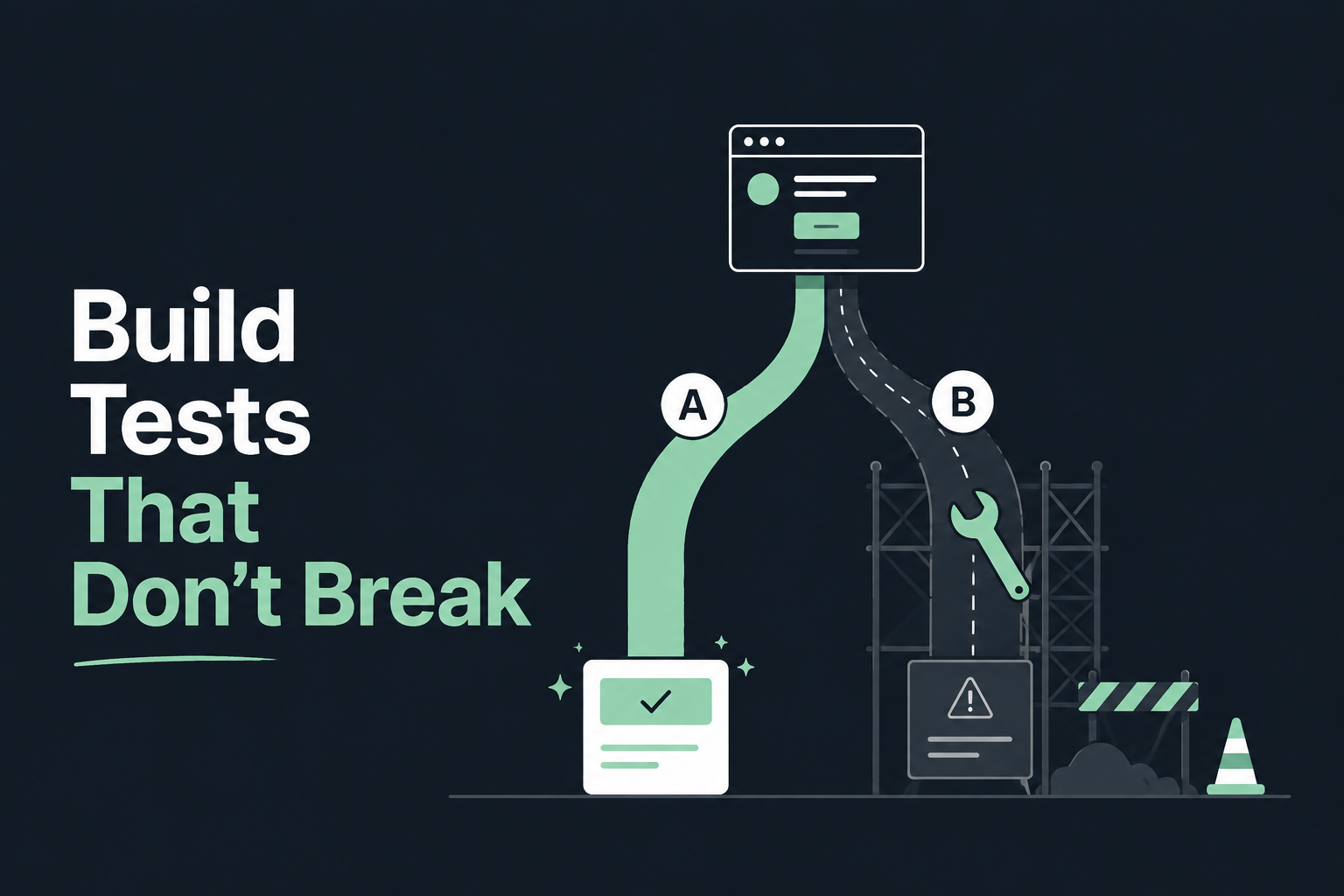
This piece covers four specific ways A/B tests break in production, what causes each one, and how to catch it before launch instead of after.
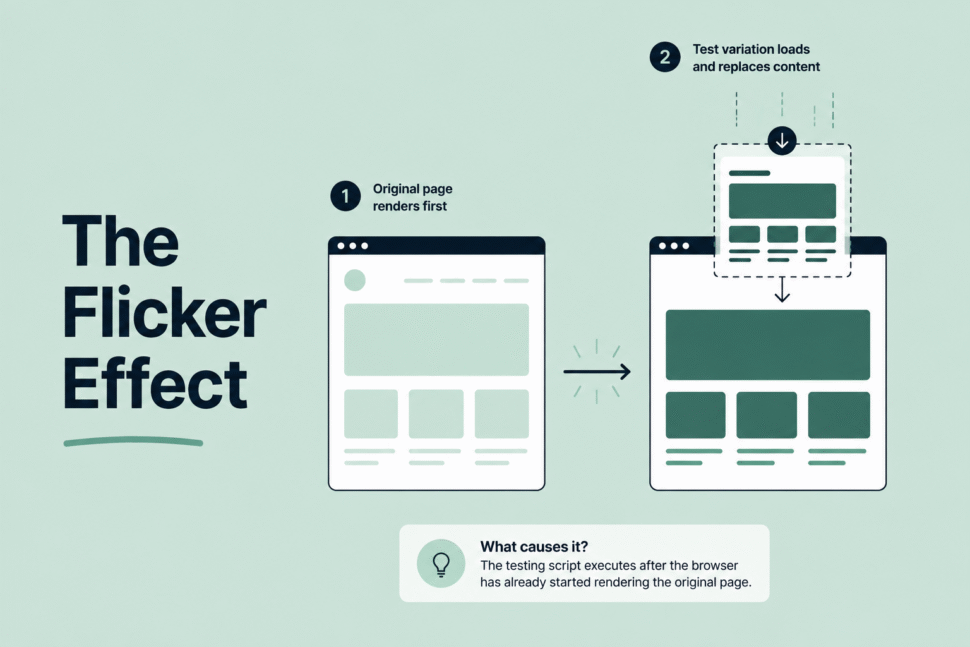
Flicker, also called Flash of Original Content, happens when a visitor sees the original page for a moment before the test variation replaces it. Where and how the testing script loads causes almost all of it.
A flicker that lasts under a second sounds harmless. It isn’t. MIT researchers found the human brain can process an image in as little as 13 milliseconds, so even a brief flash of the original content registers with the visitor. Some users notice the switch and behave differently because of it, a version of the Hawthorne effect, where people change their behavior simply because they know they’re being observed. The test then records that changed behavior as data, so flicker doesn’t just annoy visitors. It can quietly bias the results.
Cumulative Layout Shift, where elements jump around as the page finishes loading, is the layout cousin of flicker. Both problems share the same root cause: the test script executes after the browser has already started rendering the original page.
Server-side rendering removes the problem at the source, since the variation is decided before anything reaches the browser. Where server-side isn’t practical, load the testing script synchronously and as high in the page as possible, and use anti-flicker snippets that hide the tested element until the script finishes deciding which variation to show. A sync loading is common because it avoids blank pages, but it’s also the most frequent cause of visible flicker.

Every A/B test that runs on a feature flag or a conditional branch leaves something behind once it ends: a flag, an if-statement, a chunk of variation code. If nobody removes it, it becomes what engineering teams call a zombie flag, code that still sits in production and still runs, with nobody left on the team who remembers what it was for.
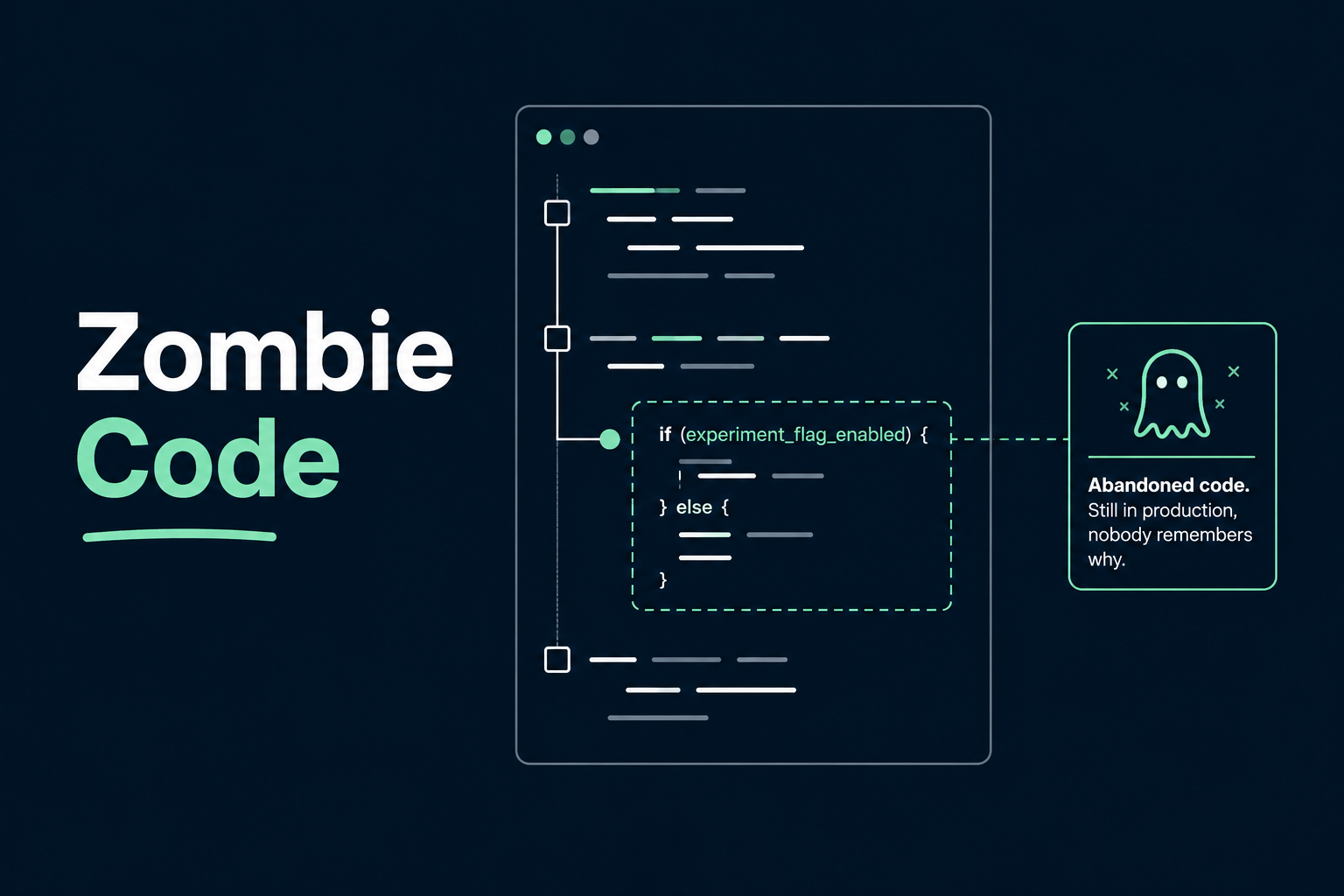
Cleanup isn’t exciting, and it doesn’t show up on a test results dashboard, so it’s the step most testing programs skip. The problem compounds. Uber’s engineering team built an internal tool, Piranha, specifically because manual cleanup couldn’t keep pace with flag creation, and used it to retire more than 2,000 stale flags. That’s not a small agency’s oversight. That’s a company with a mature engineering org that still let the problem grow past the point manual review could handle.
Every leftover flag adds a branch someone has to reason about during a future debugging session, whether or not they know it came from a test that ended a year ago.
Cleanup needs to be a scheduled step in the workflow, not an optional one that happens if someone remembers. When a test ends, the team removes its flag and dead code paths in the same sprint, not queued for “later.” Stale-flag detection tooling, most major feature flag platforms now include some version of it, catches what manual review misses.
A test can run cleanly, reach its sample size, and still produce a result that means nothing, because the traffic split itself was never actually even.
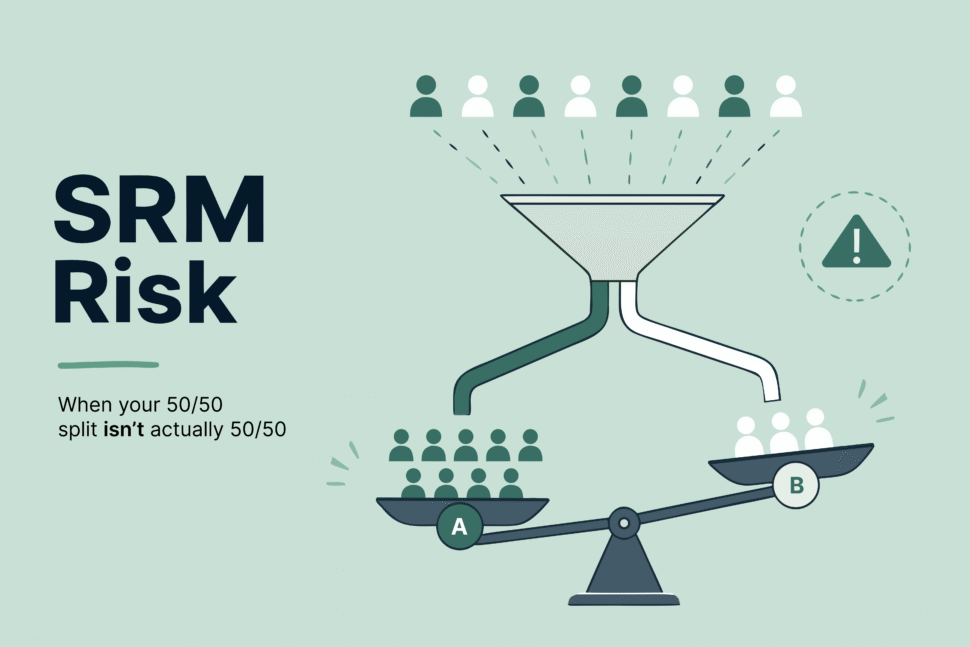
Sample Ratio Mismatch, or SRM, is what happens when your intended 50/50 split isn’t actually 50/50 in practice. Bucketing bugs, logging gaps, and eligibility drift are the usual causes. The dangerous part is that SRM doesn’t announce itself. The test still returns a result, and that result can look like a clean win.
Real cases back this up. Microsoft’s experimentation team has documented SRM as a signal of serious data quality issues that invalidate experiment results outright. DoorDash identified an SRM case where low-intent users dropped disproportionately out of one group following an unrelated bug fix, which skewed the split and created a phantom win that wasn’t real.
An SRM check belongs at the QA gate, before anyone looks at the metrics, not after a result already looks good. If the split fails the ratio check, the team pauses and investigates the test, full stop, regardless of how promising the early numbers look. Treating this as a mandatory gate rather than an optional diagnostic is the difference between catching it and shipping a false win.

A test that wins in the conversion data and quietly costs a page its search ranking isn’t a win. This is the failure mode testing guides mention least, and it’s entirely preventable.
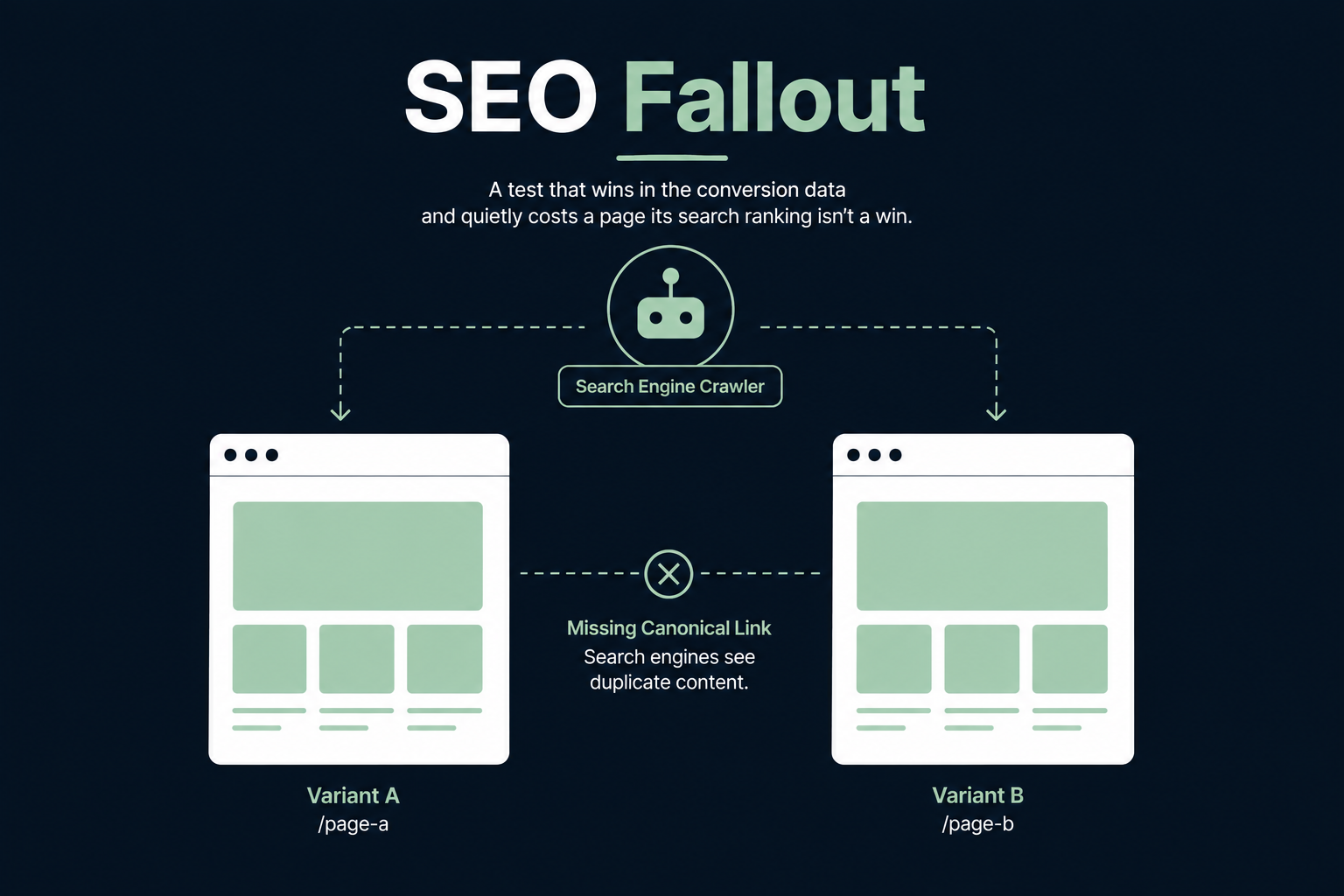
Google Search Central’s own guidance states that small UI changes, button color, placement, call-to-action text, typically have little or no effect on a page’s search ranking. The risk isn’t the test itself. It’s implementation mistakes: serving different content to Googlebot than to real visitors, which counts as cloaking, and leaving variant URLs indexed as duplicate content because a canonical tag was missing.
Every variant URL needs a canonical tag pointing back to the control page, so search engines index one version instead of several. Use 302 redirects during the test, since a 301 signals a permanent change and can shift ranking equity to the wrong URL. And set a hard ceiling on test duration. A test that runs for months accumulates duplicate-content signals the same way a two-week test never will.
This is a build-phase checklist item that belongs to the developer, not something the marketing team discovers after rankings drop.
Every testing approach trades one set of failure modes for another. Client-side testing runs JavaScript in the visitor’s browser to swap content after the page loads. It’s faster to set up and often doesn’t need a developer, but it’s the approach most exposed to flicker and CLS, since it depends on a script racing the browser’s own render.
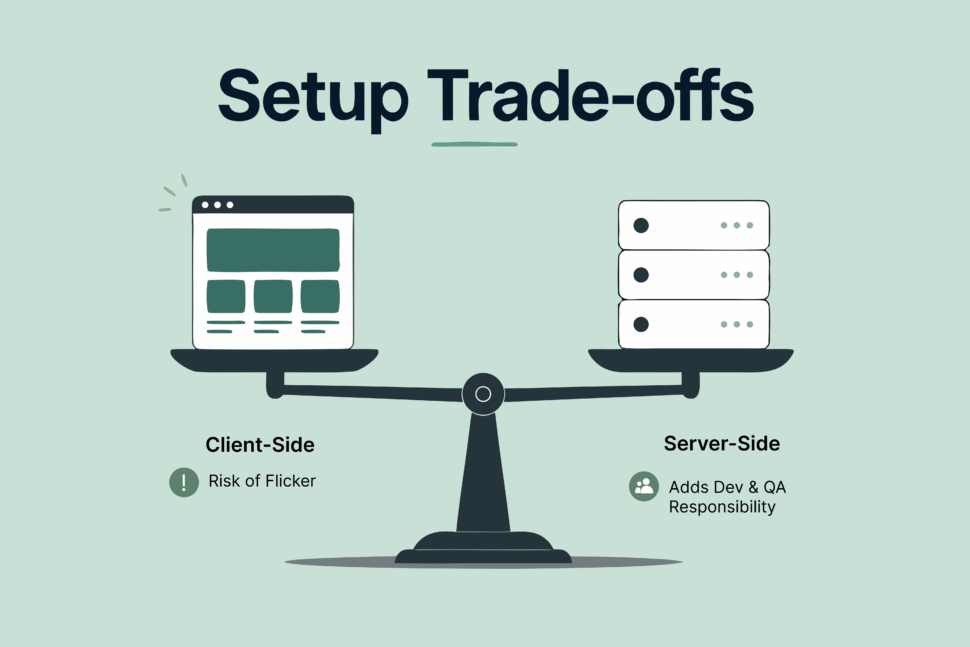
Server-side testing decides the variation before anything reaches the browser. It’s close to immune to flicker, but it shifts the setup burden onto the development team and requires more QA discipline, since there’s no visual editor catching obvious mistakes before launch.
Neither approach is universally correct. The right choice depends on which of the four failure modes above your team can catch and fix most reliably.
A checklist only works if it’s attached to a real step in the process. Here’s where the workflow should catch each failure mode above, mapped to a standard development cycle:
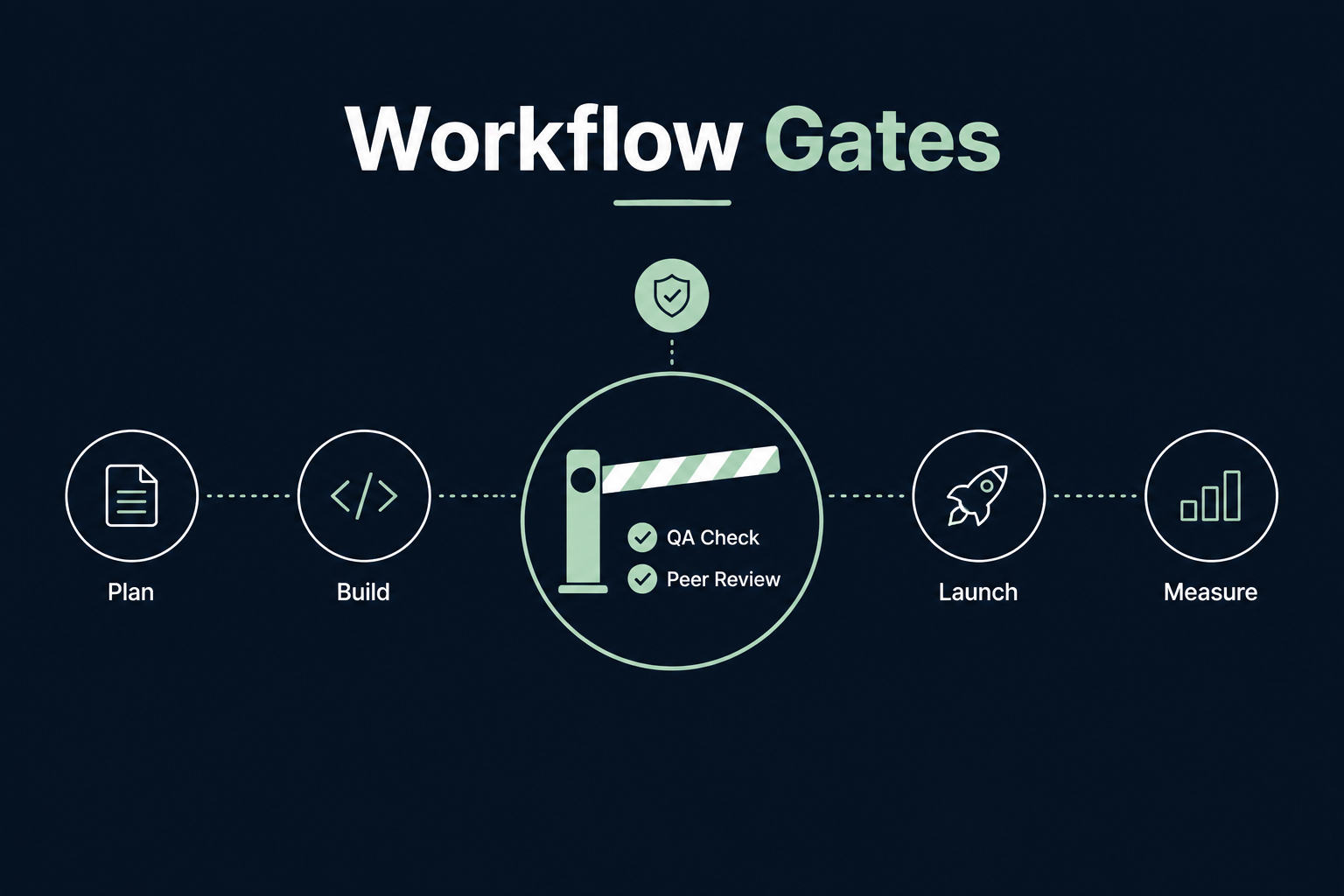
Each of these gates exists because skipping it is exactly how the failure modes above end up in production. A test that passes every gate and still loses is a clean result. A test that wins but skipped a gate is a liability wearing a win.
A/B testing isn’t hard because the statistics are hard. It’s hard because the build has more failure points than most testing guides admit: a script that loads a beat too late, a flag nobody remembered to remove, a split that was never actually even, a canonical tag that was never set. Catching these requires treating development as seriously as strategy, not as an afterthought once the hypothesis is written.
Getting the build right on individual tests is also only half the picture. It matters most as part of a larger CRO program, where every test compounds into a system rather than staying a one-off win or loss.
Both. Visitors who notice the switch can behave differently because of it, which means the flicker doesn’t just annoy them, it can bias the data the test is supposed to be measuring cleanly.
A feature flag or test-related code branch still sitting in production after the test it supported has already ended. It keeps getting evaluated even though nobody is actively using it, and it adds a branch of logic future developers have to account for without knowing why it exists.
Run an SRM check before evaluating any conversion metrics. If your intended traffic split, say 50/50, doesn’t match the actual split within an expected margin, that’s SRM, and any result from that test should be treated as unreliable until the cause is found and fixed.
Not from the test itself. Google’s own guidance confirms that small UI changes typically have little effect on rankings. The risk comes from implementation mistakes: cloaking, missing canonical tags, or tests left running for months, all of which are preventable at the build stage.
Neither is universally better. Client-side is faster to set up but more exposed to flicker and layout shift. Server-side avoids that risk but requires more developer time and QA discipline. The right choice depends on which failure modes your team can catch reliably.

OptiPhoenix builds A/B tests with exactly this workflow: QA gates, senior developer review, and scheduled cleanup built into every test, not bolted on after something breaks.