AI Agent vs Chatbot: What’s the Difference for Your Store?

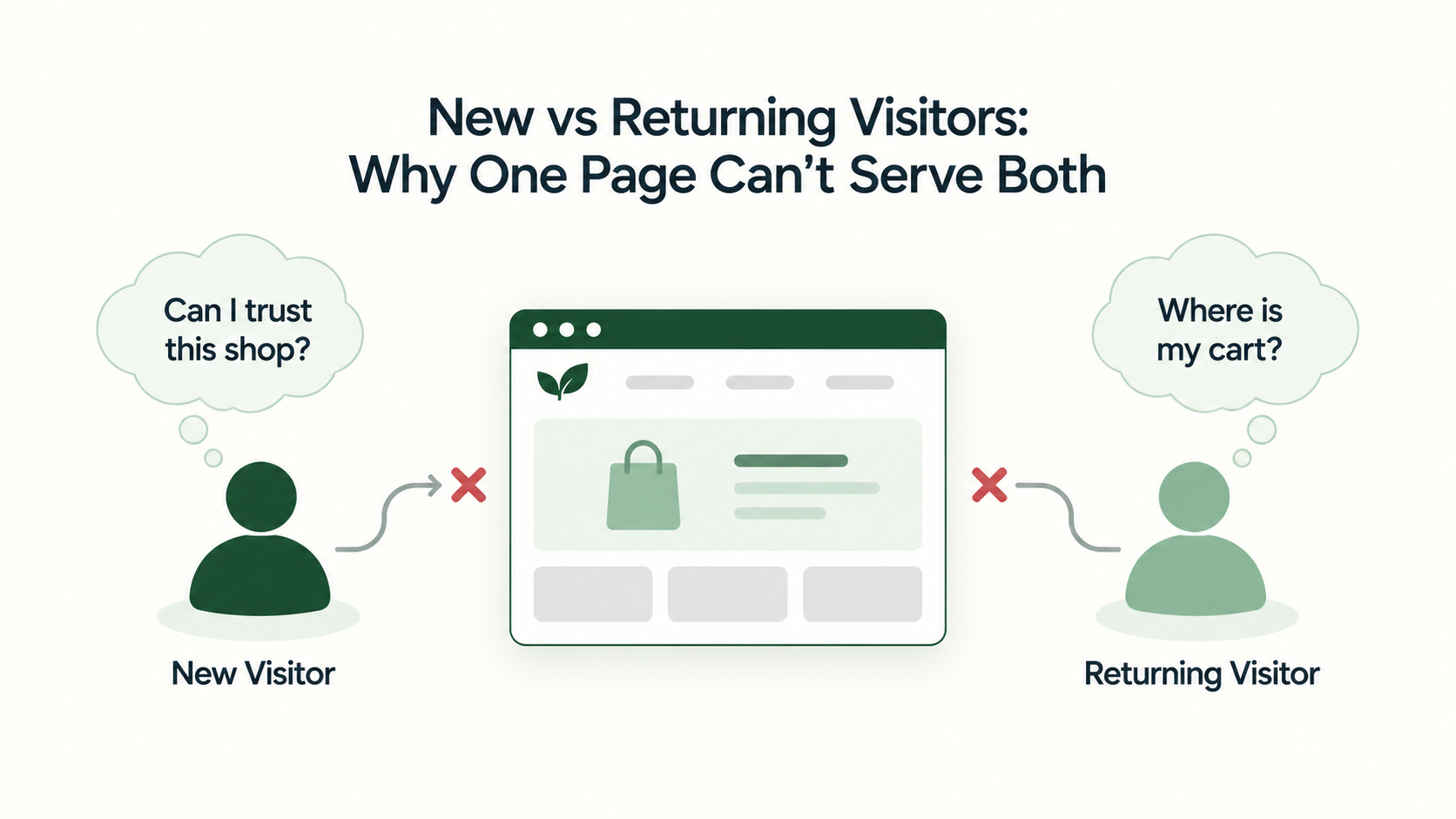
New vs returning visitors is a report most of us open, glance at and close again. You can see the two groups convert differently. Then the day gets busy and nothing changes. That’s easy to do, because the report tells you what happened and never says what to fix. Your homepage also has to greet everyone the same way, even though a first-timer and a regular walk in wondering about very different things. So we’ll go through what each group needs, how to check that your numbers are right, and a few small changes that help both.

Before you change anything on a page, find out how your analytics decides who counts as new. In Google Analytics 4, a new user is someone whose first_visit event was logged in your date range. A returning user is someone who has started at least one earlier session. Google spells this out on its help page.
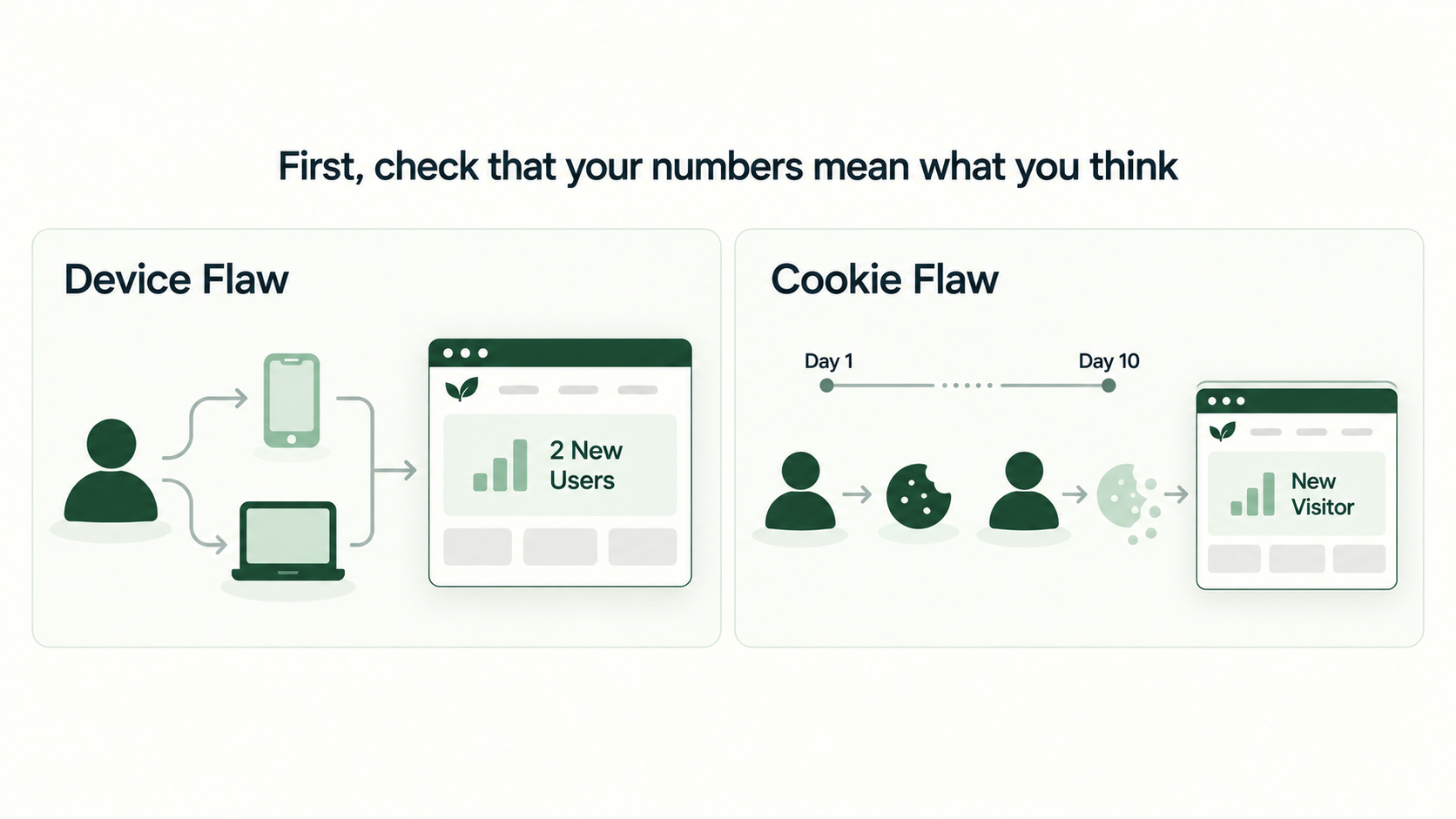
It looks simple on paper. In practice, your analytics only sees browsers. It can’t see the person using one. Say a shopper browses on their phone and then buys on their laptop. Your report shows two different people, unless that shopper logged in along the way.
Cookies add another wrinkle. Safari caps persistent cookies created through document.cookie at seven days, according to WebKit. If your tools remember visitors with a cookie like that, someone who returns on day ten may be counted as new. We can’t tell you how much this affects your store, because it depends on how your tracking is set up. So ask your developer. If you want to see how tracking problems bend results more broadly, our post on the technical side of broken A/B test data goes through it.
For now, read the split as a rough guide. Treat any exact-looking number with a little suspicion.
A first-time visitor doesn’t know you yet, so they look around with a few worries in mind. Is this a real shop? What do you sell? Can I trust the checkout? What happens if it doesn’t fit?
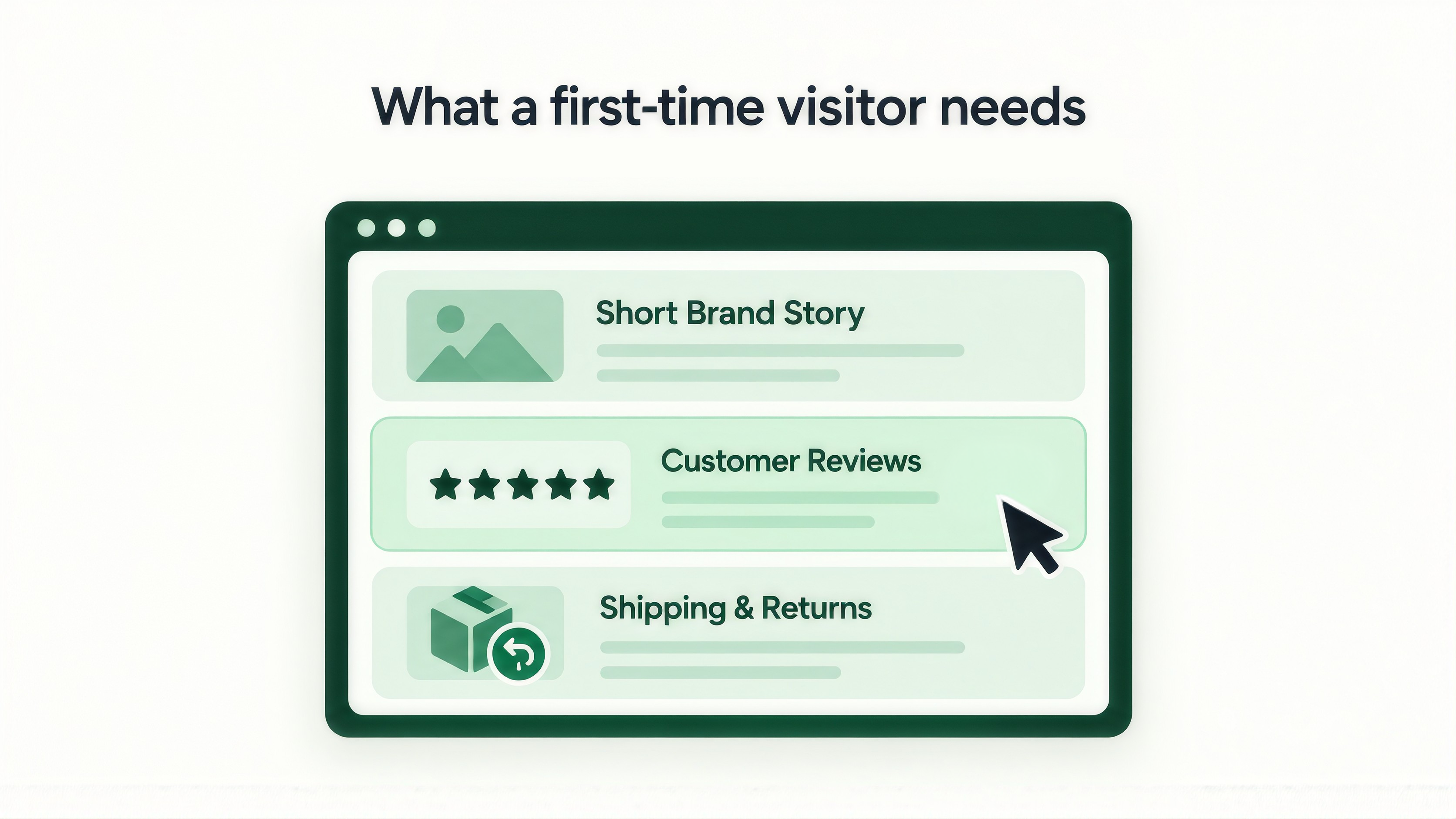
Your homepage and top landing pages should answer those fast. Show shipping times and returns where people can see them, and add a short line about who you are. Put a review or two close to the first button you want them to click. Some visitors land from a search or an ad and have never heard of you. Give them a reason to keep reading past the first screen.

They’ve been here before, so they don’t want the introduction again. They want to pick up where they stopped. That might mean finding the product they looked at last time, checking whether the price changed, getting to their cart, or tracking an order.
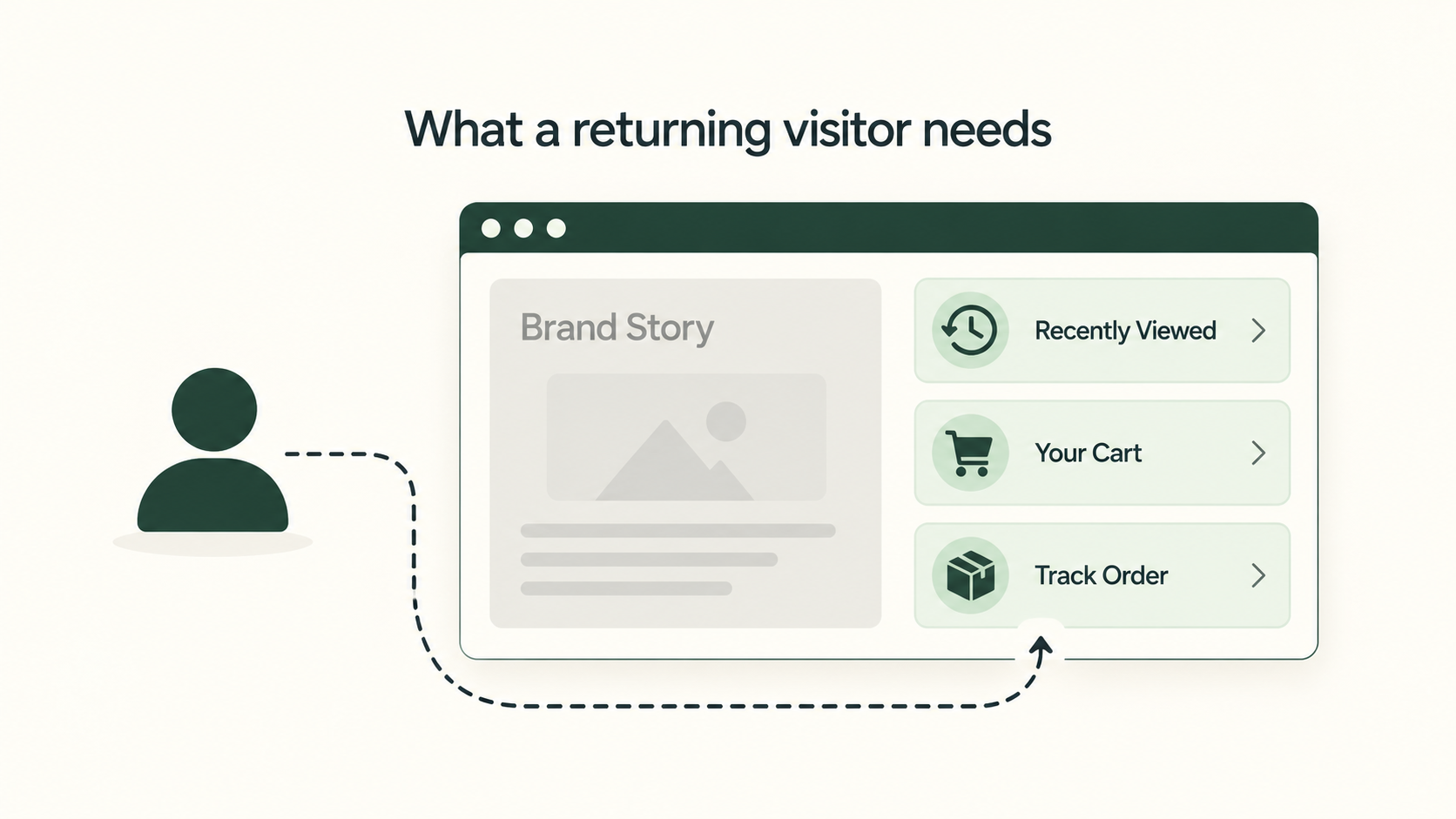
Making them scroll past your brand story is a bit like greeting a regular as if they’d never walked in. It’s polite, and it wastes their time.
One more thing. A returning visitor isn’t always close to buying. Some are still comparing options. Others already bought and want to track an order. If you can, split them further into “returned but never bought” and “existing customer”. Their needs differ a lot.
Start with a simple side-by-side. Pull the conversion rate for each group. Then check which pages each group lands on, which devices they use, and where they leave. Wherever the two groups behave differently, that’s where to look closer.
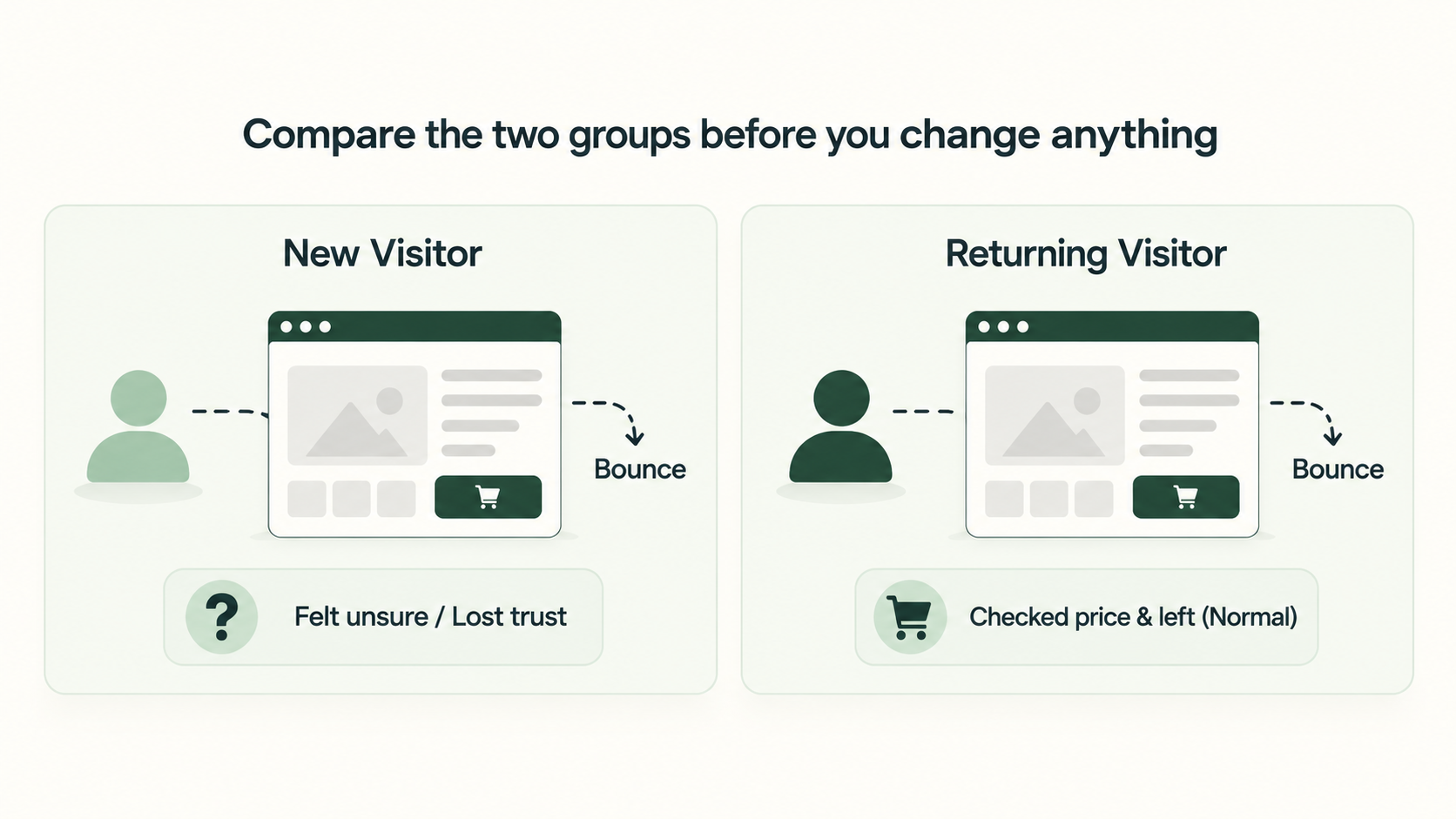
Go easy on bounce rate. A returning visitor who leaves from a product page may only have wanted to check the price. A new visitor who leaves from the same page may have felt unsure. Both show up as one bounce, so the number alone can’t tell you which it was.
If you can’t tell where the weakest step sits, our post on funnel audits versus page-level testing can help you find it first.
Also keep an eye on group size. Once you split your traffic, each piece gets smaller, and small pieces give noisy answers. Our guide on how long an A/B test should run explains why that matters.

You don’t need two websites. A few gentle changes go a long way.
Pick one change and test it on its own. Then choose a main number and a couple of safeguards before you launch. Our post on CRO program metrics beyond win rate can help you choose them.
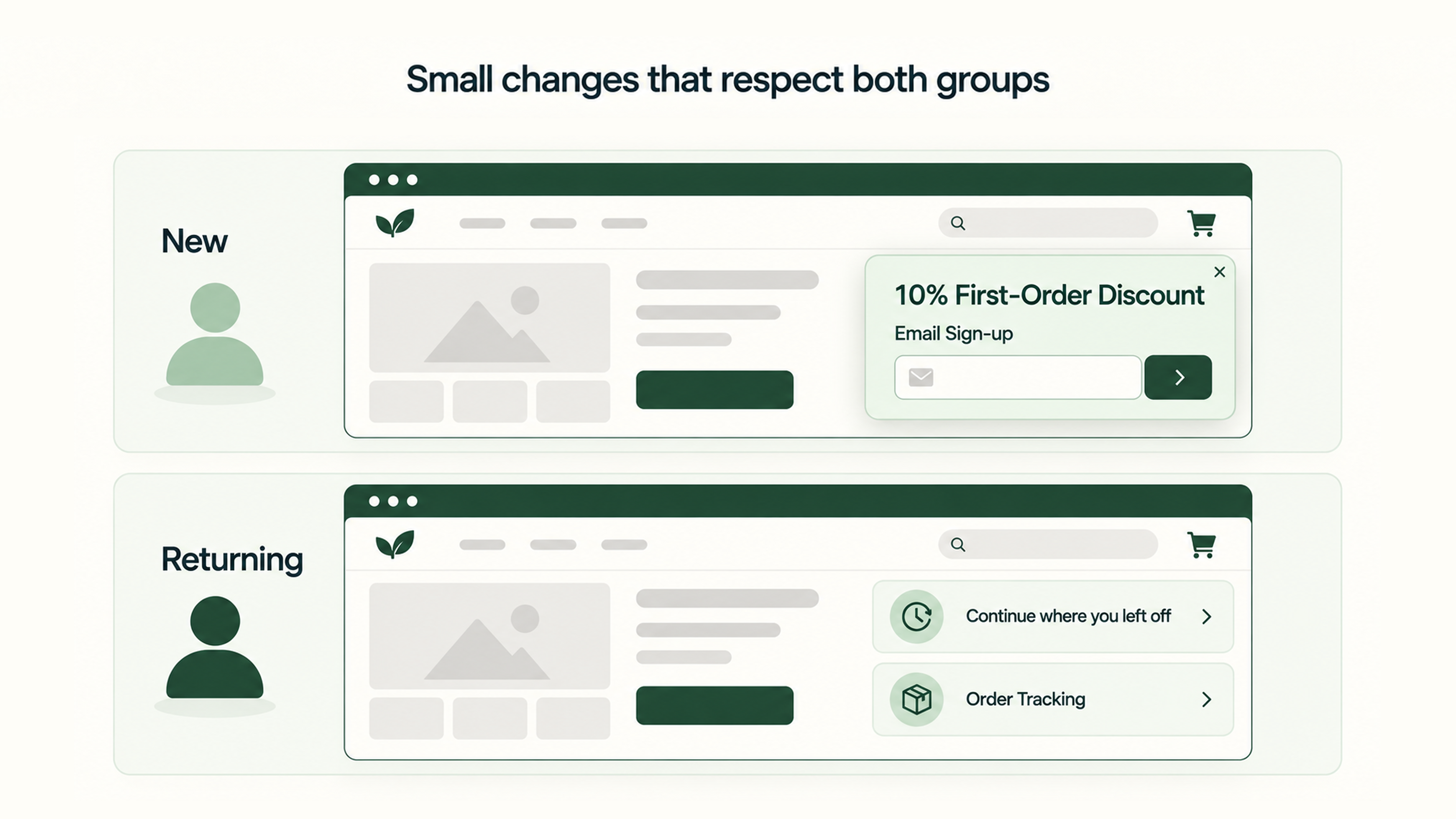
Also stay humble about what “returning” means. It tells you someone came back. It doesn’t tell you why. So keep the changes light, and let the results tell you whether you guessed right.
Both groups deserve a page that speaks to them. You don’t need a rebuild to begin. You only need to open the report this week and ask what each group is trying to do. If you’d like a second pair of eyes on your visitor data, we’re glad to look at it with you. Talk to our team about your visitor data.
Google defines a new user as someone who logged a first visit or first open event in the date range. A returning user is someone who initiated at least one previous session.
Check your own data. Returning visitors have already shown some interest, so a gap wouldn’t be a surprise. The size of that gap differs from store to store.
Yes, it can. Someone who switches devices or browsers looks like a new visitor. Safari adds another catch. It limits cookies created by a script to seven days. If your tools rely on one of those cookies, a person who returns after more than a week can show up as new again.